Free to start · every level
Design plays. Build teams. Win games.
RC Football gives coaches at every level professional-grade tools, free to start. Draw plays, organize your playbook, manage your roster, and export everything to Google Drive. In your browser. In minutes.
Play Designer
Draw plays in seconds.
Describe a play in plain English and the AI draws it on the field, or place players and routes yourself. Every route type you need, whether curl, post, crossing or motion, is one tap away.
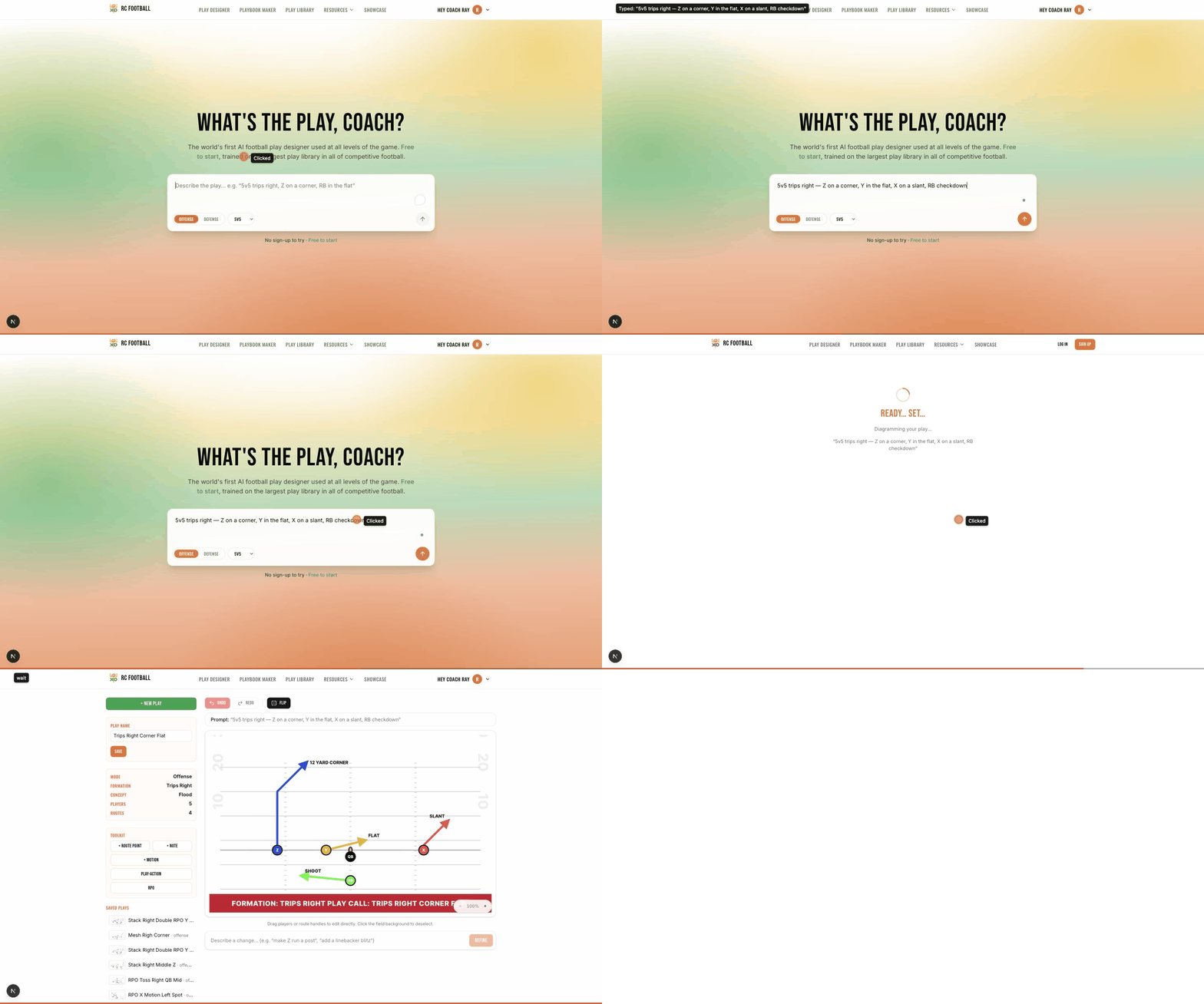
Drag & Drop
Rearrange your whole formation in a swipe.
Drag any player or route handle anywhere on the field and the diagram updates live. Set your formation from scratch or adjust an existing set, with no menus and no friction.
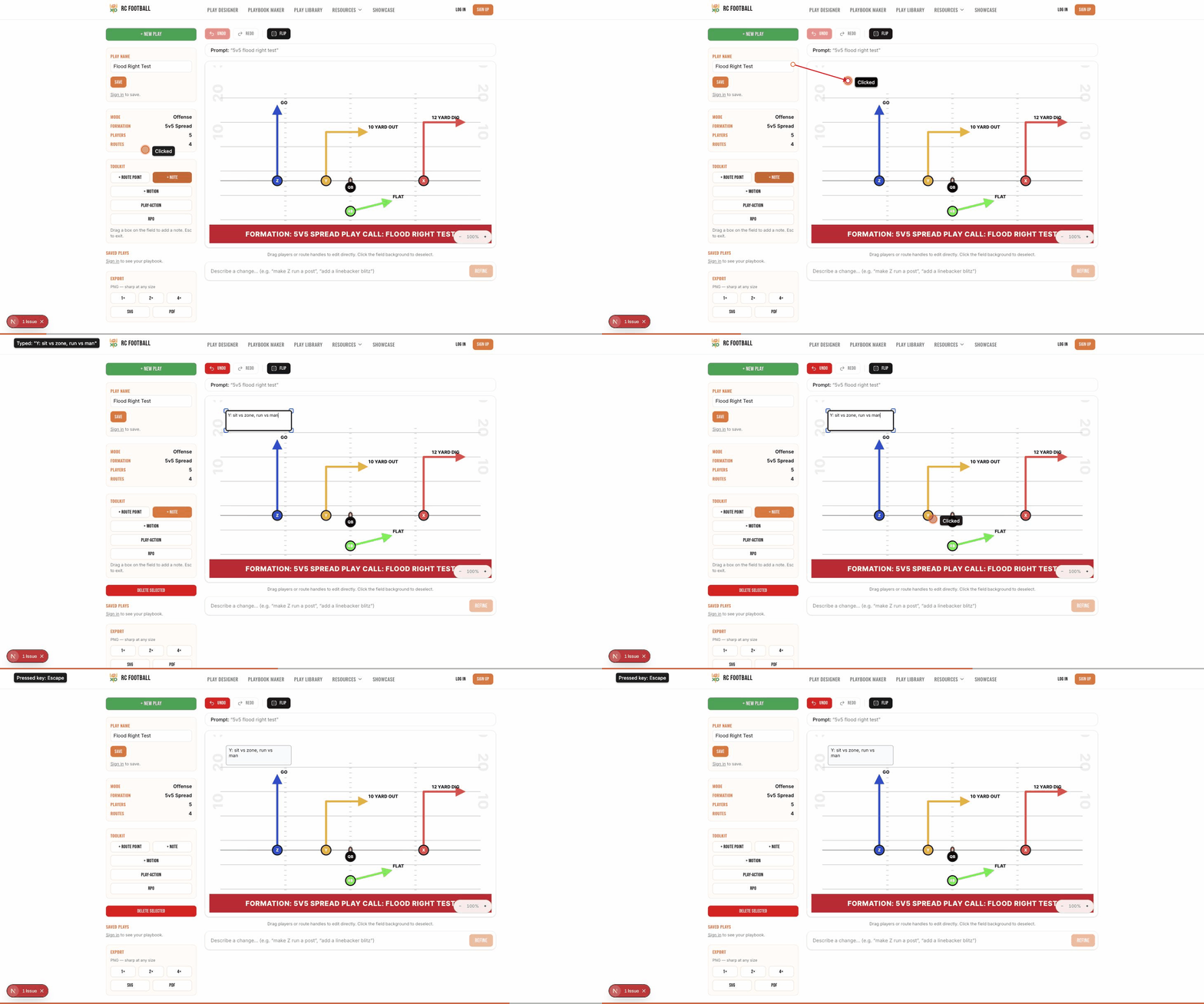
Visual Notes
Coach your players right on the play.
Drop a text note anywhere on the field: call out an assignment, add a coaching cue, or mark a defensive key. Notes travel with the play, so nothing gets lost in translation.
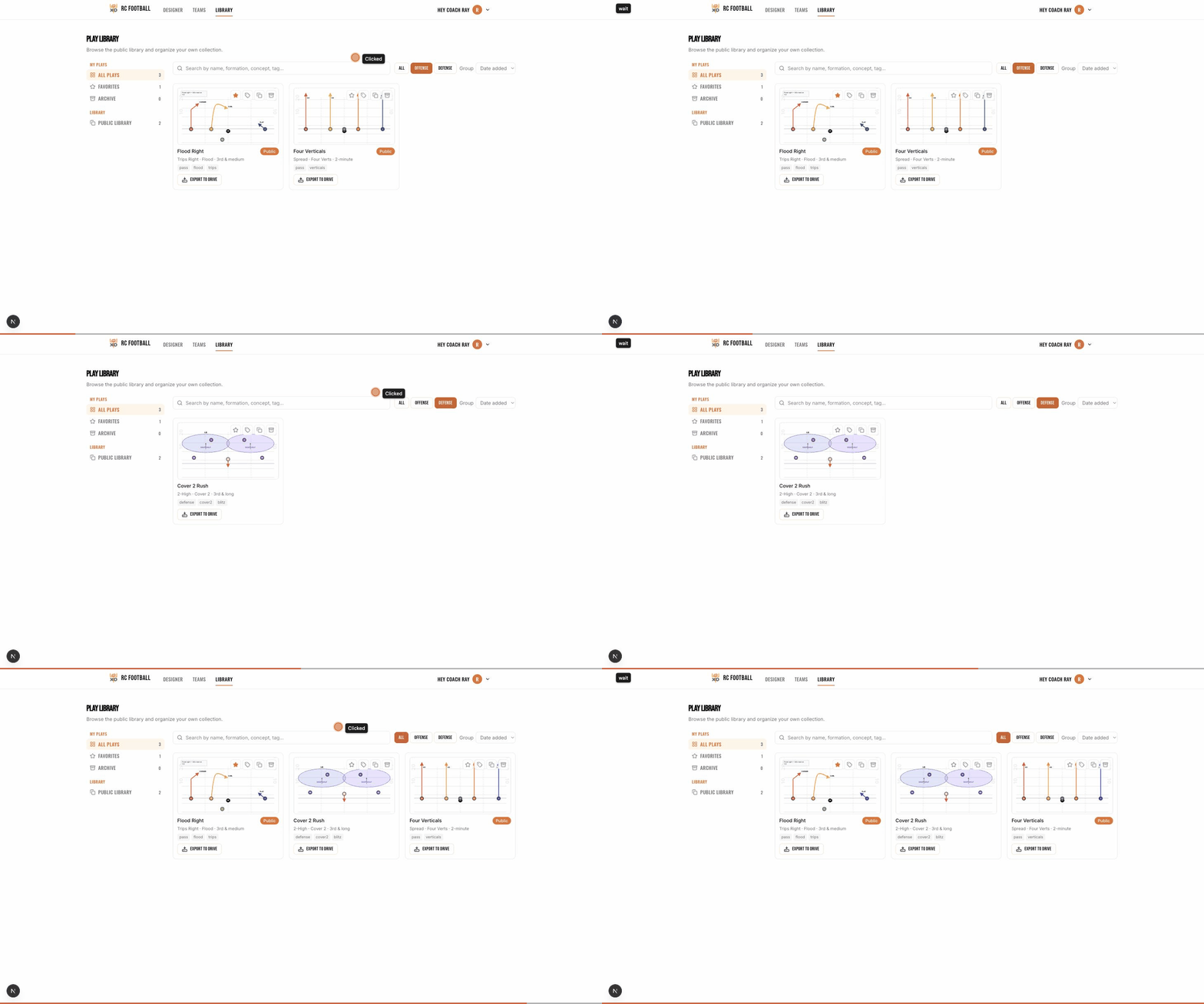
Smart Tagging
Find the right play at the right moment.
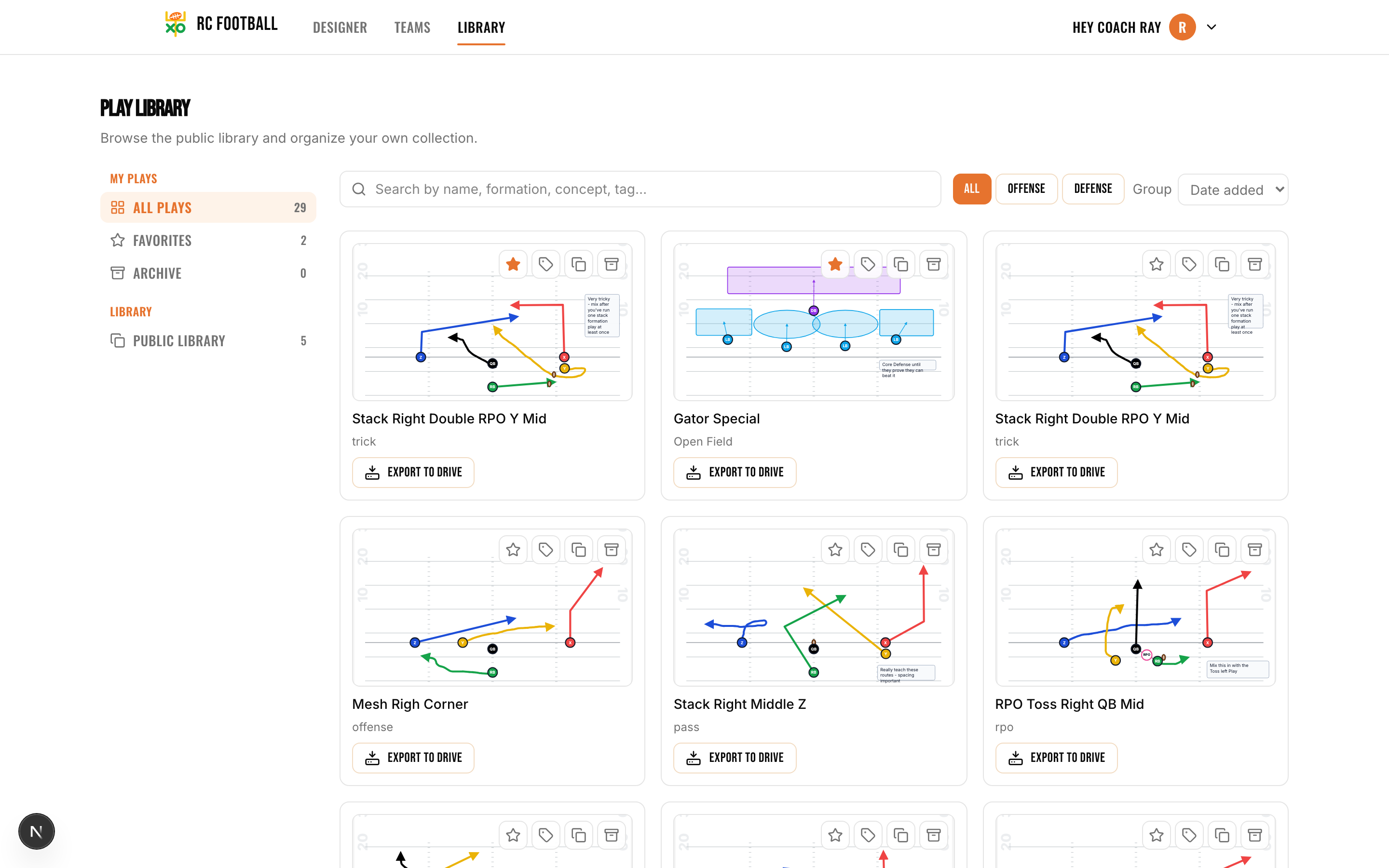
Tag every play by situation, concept, and formation, then filter in one tap. Need a 3rd-and-short crossing concept? Offense only? Your favorites? The plays that match surface instantly.
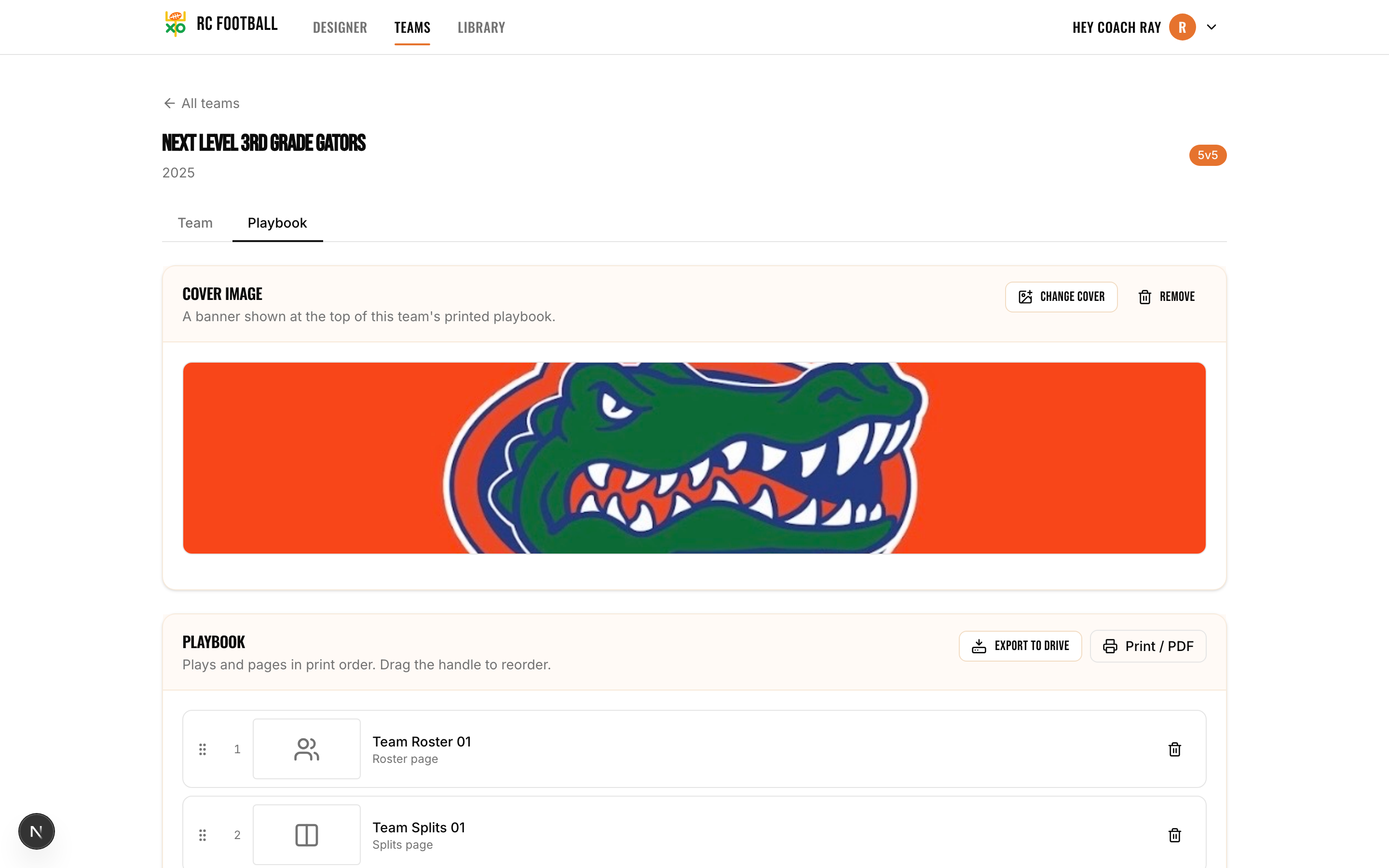
Playbook Builder
Your entire game plan, organized.
Group plays into playbooks, add a cover and roster page, and drag them into the exact order your staff calls games. Everything in one place, ready to print or share.
Google Drive Export
Share your playbook with the whole staff.
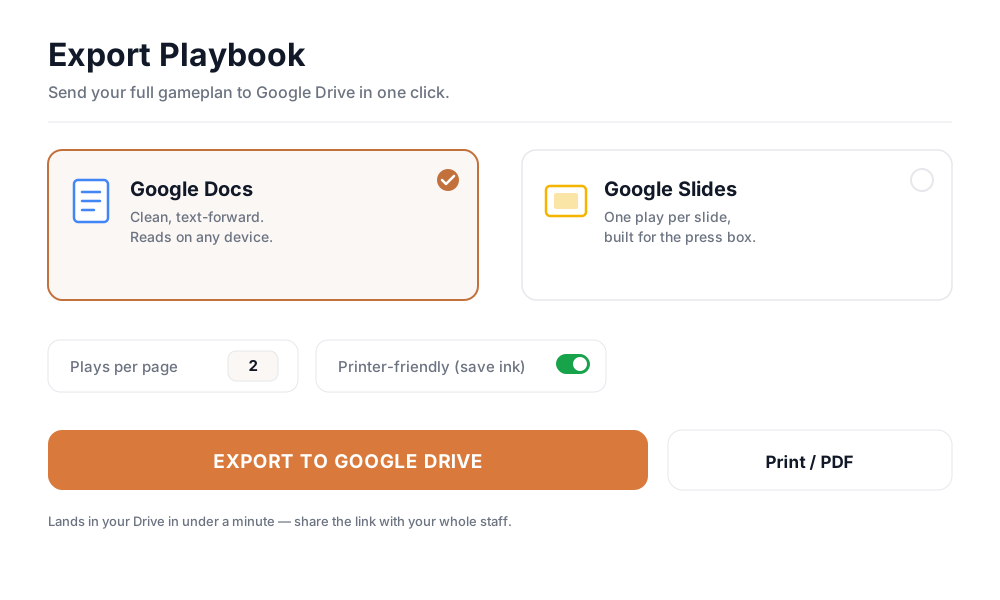
Export straight to Google Docs or Slides, in handout or presentation format, printer-friendly mode, custom plays-per-page. Your entire playbook, ready to share, in under a minute.
Team Management
Run your whole program from one screen.
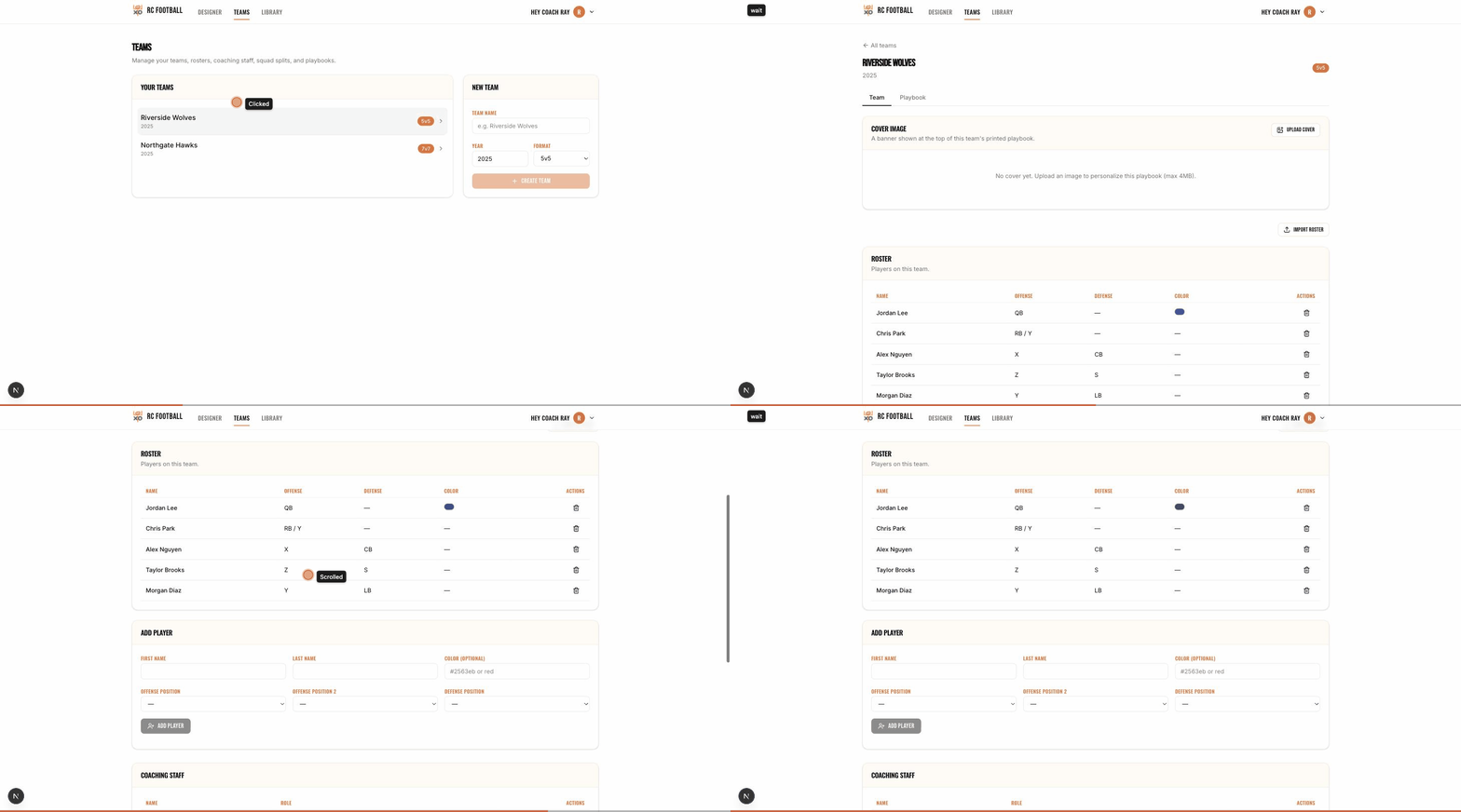
Manage rosters, organize coaching staff, and give young players color-coded assignments they can find on any diagram. Import a roster from a spreadsheet in two clicks.
AI · Describe → Draw
Describe it. Get a play.
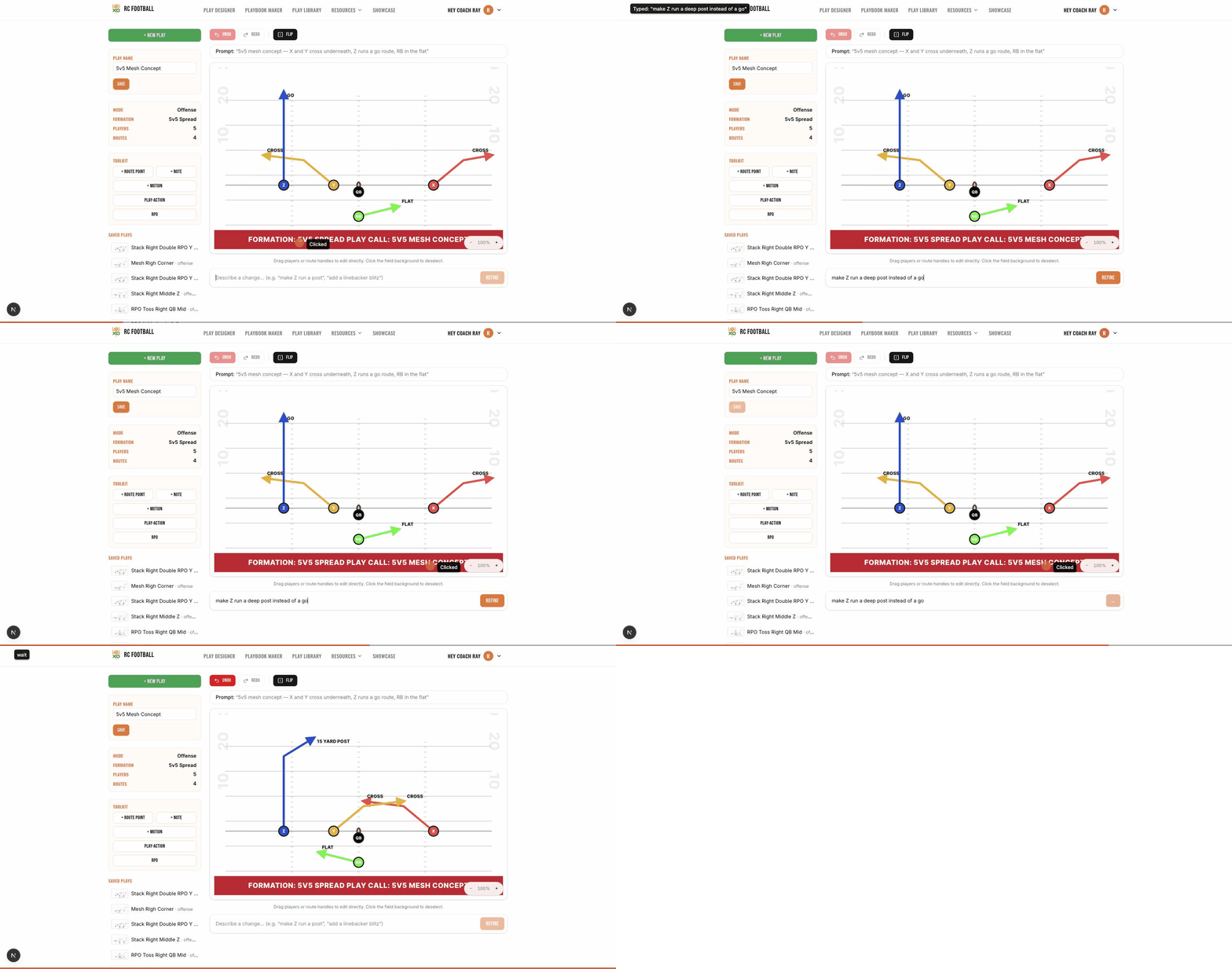
Type “trips right with a crossing route underneath” and watch the AI draw it. Then tweak it in plain English, saying “make Z run a post”, and it redraws itself. Coaching ideas become real plays in seconds.
Every play type. Every formation.
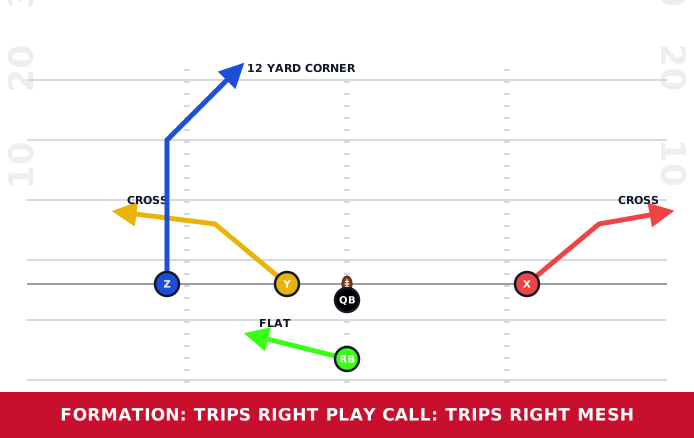
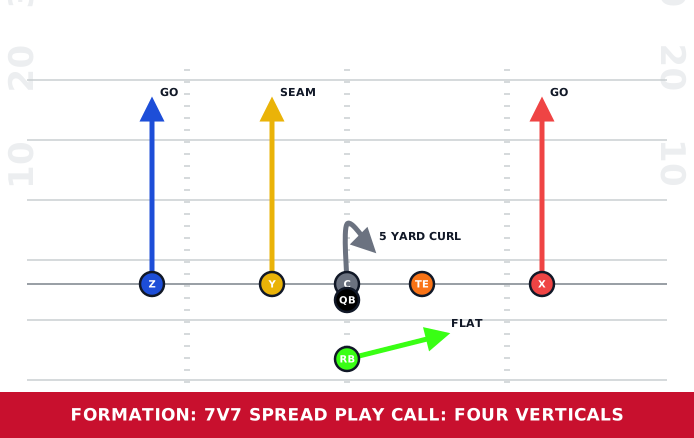
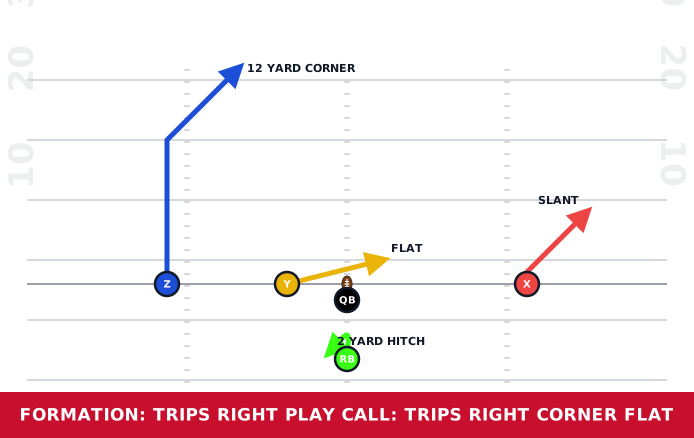
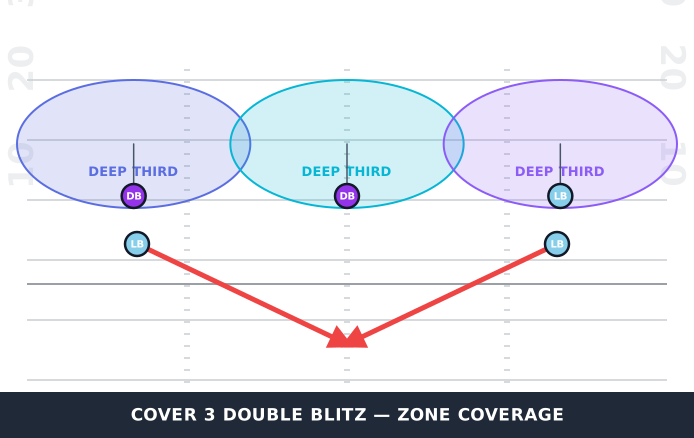
Offense and defense, 5v5 through 11v11, all on the same canvas. Every diagram below was generated by the AI.
Every feature here is free to start. Compare plans to see what unlocks as your program grows.
Your playbook is waiting.
Free to start, with no card and no sign-up to try. Describe your first play and see it on the field in seconds.
Get started free